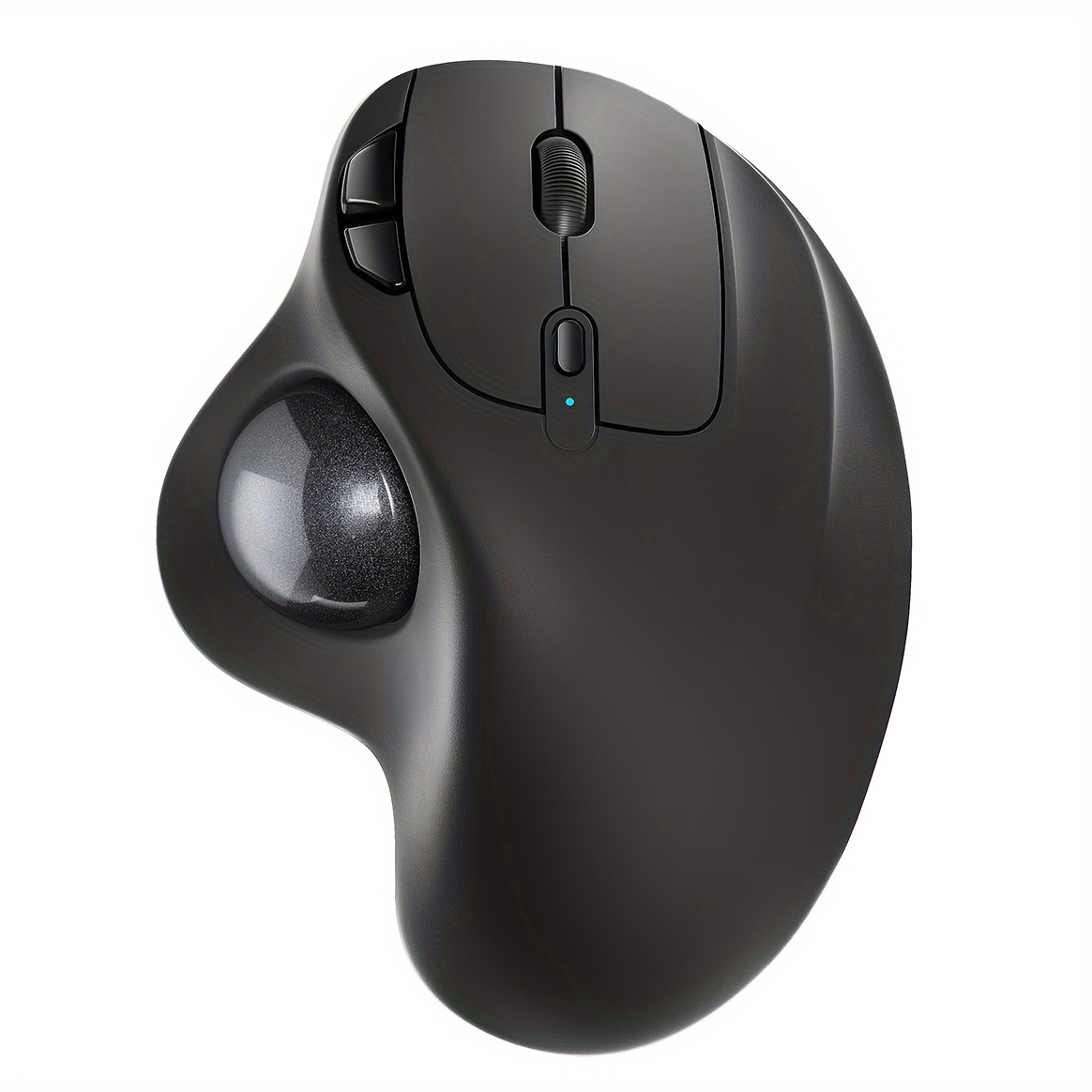
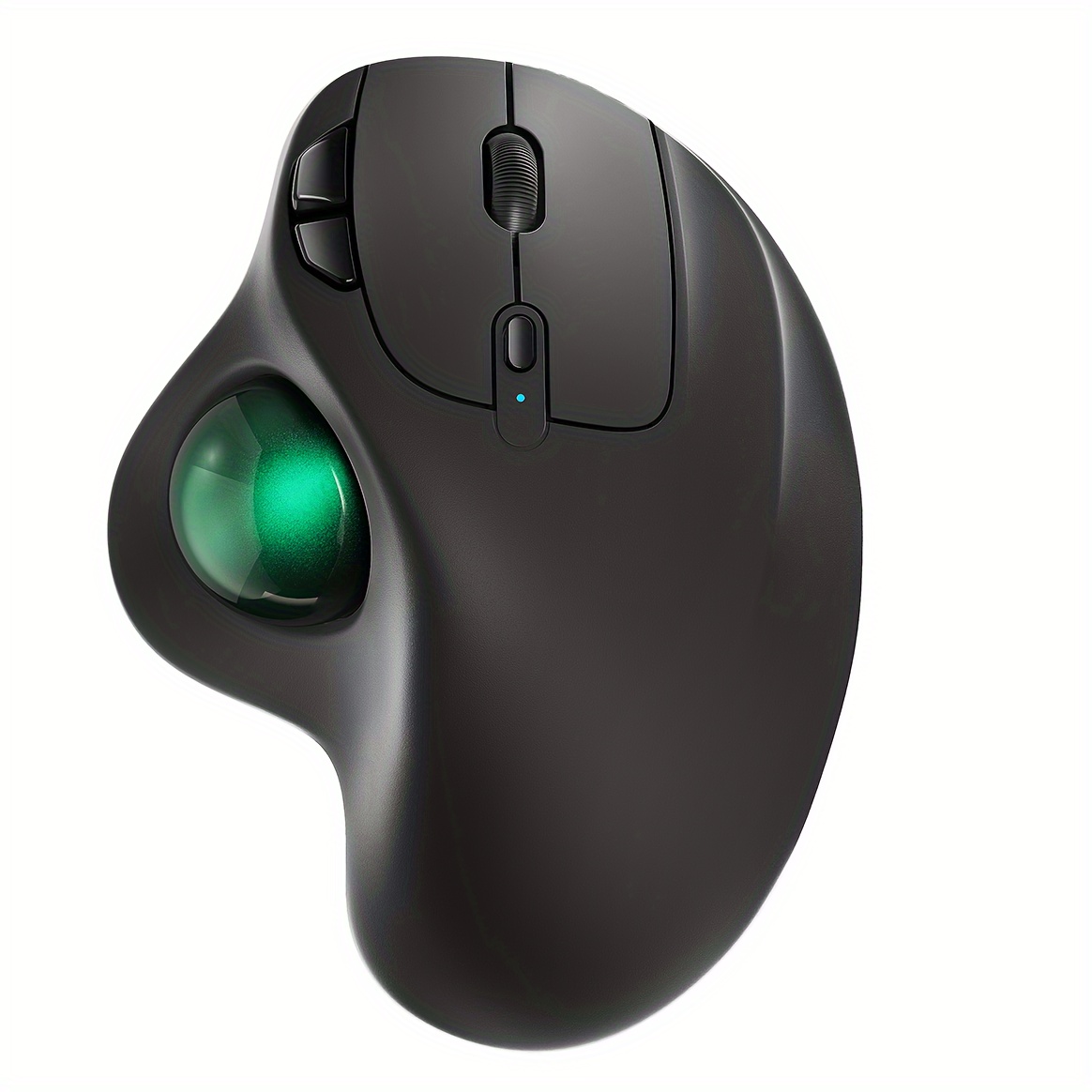
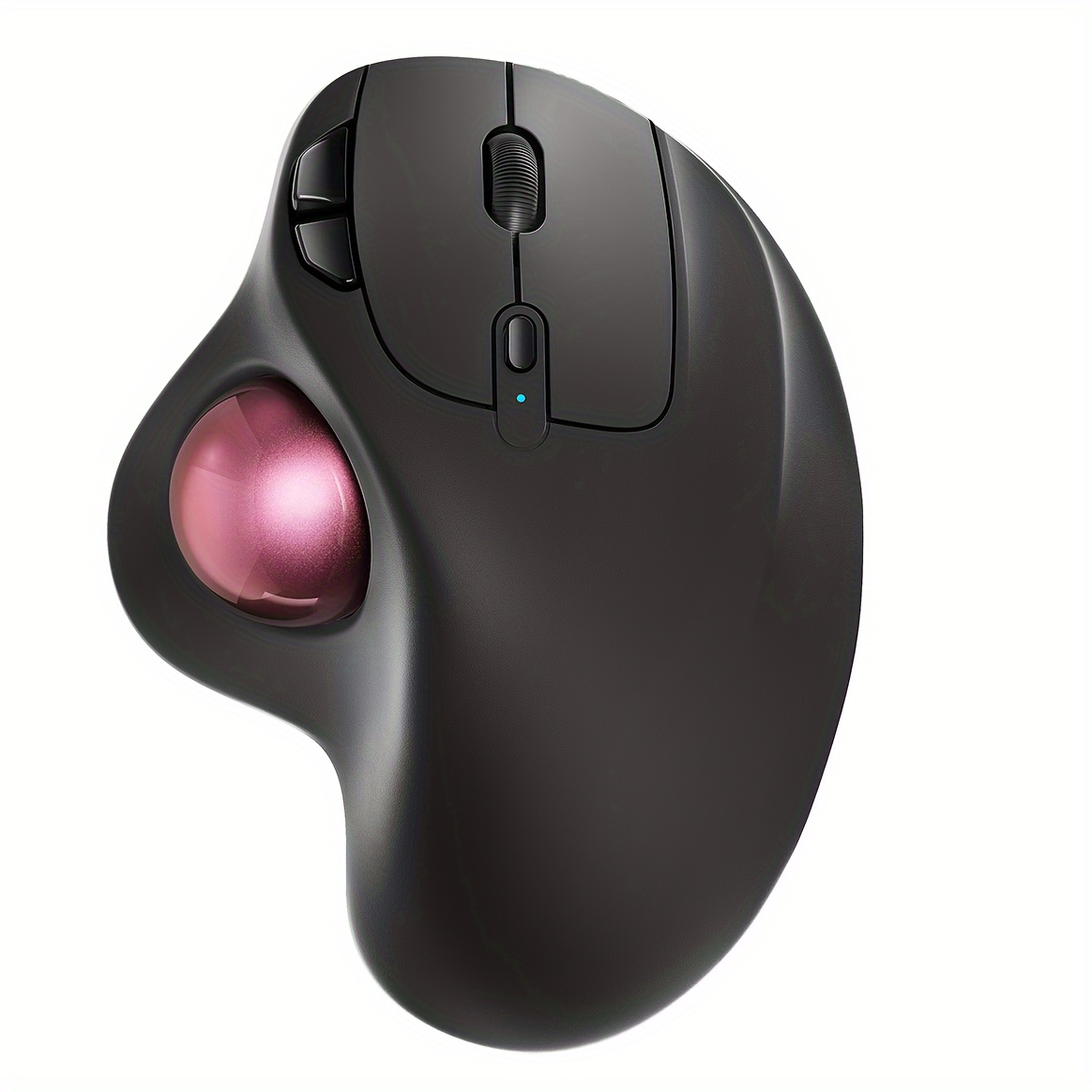
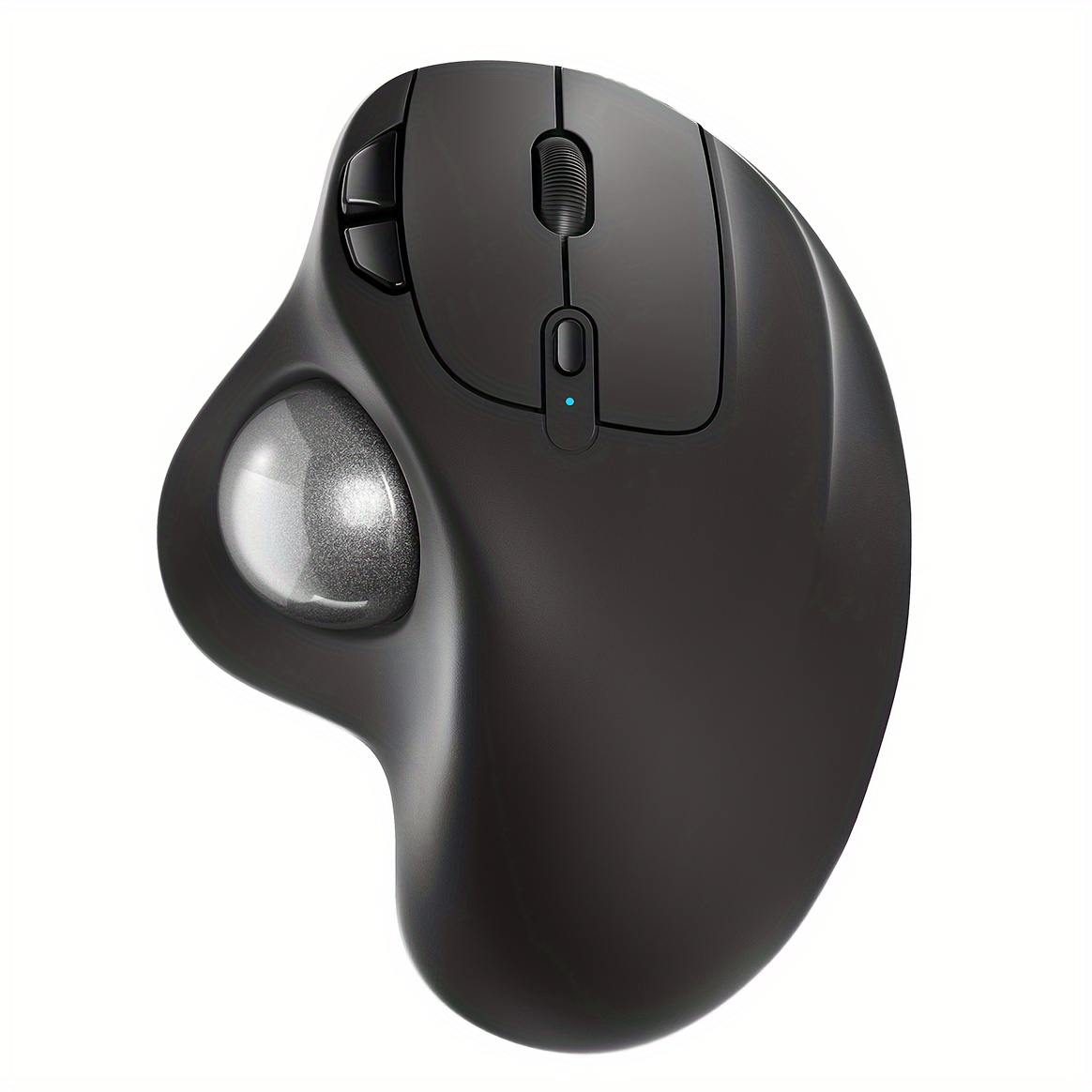
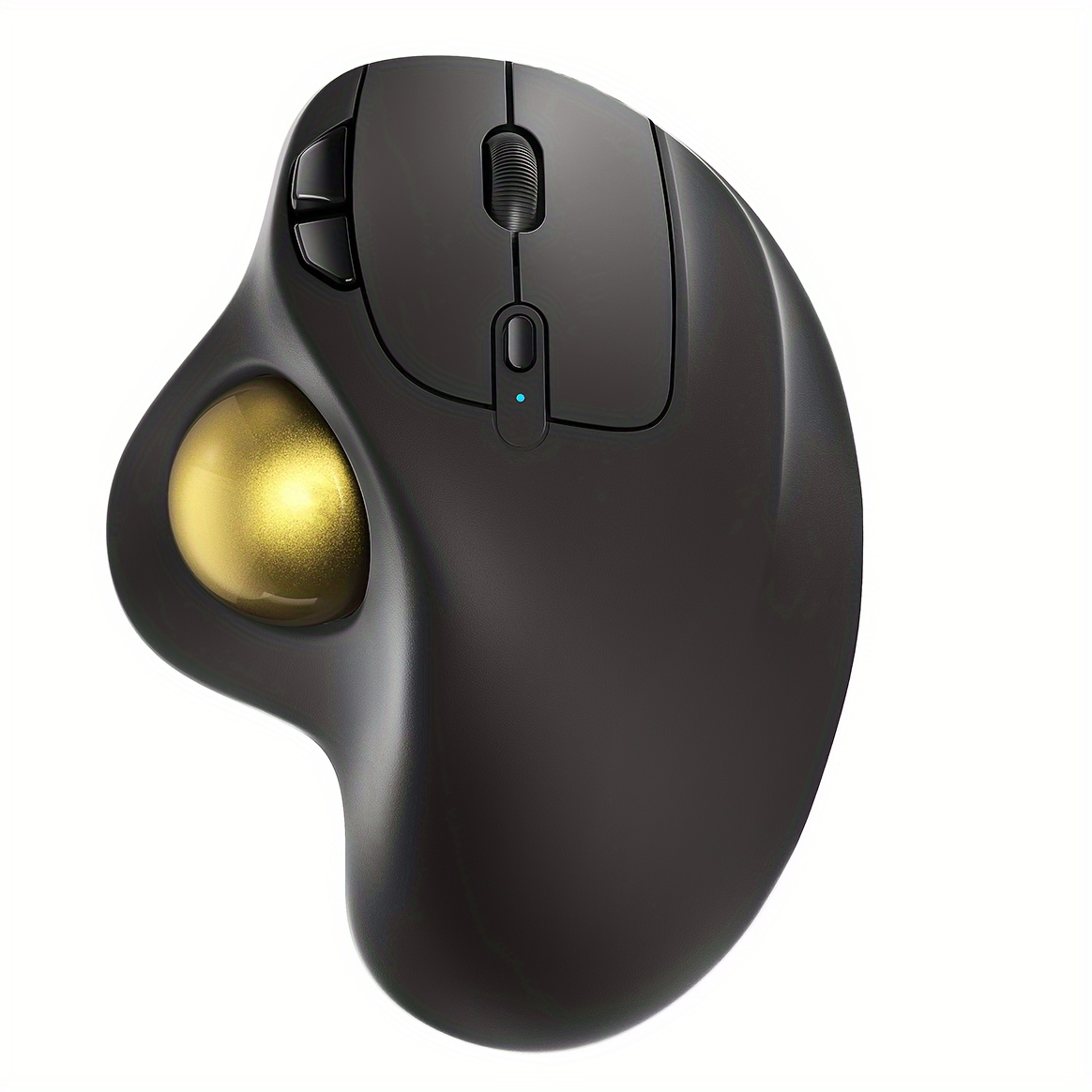
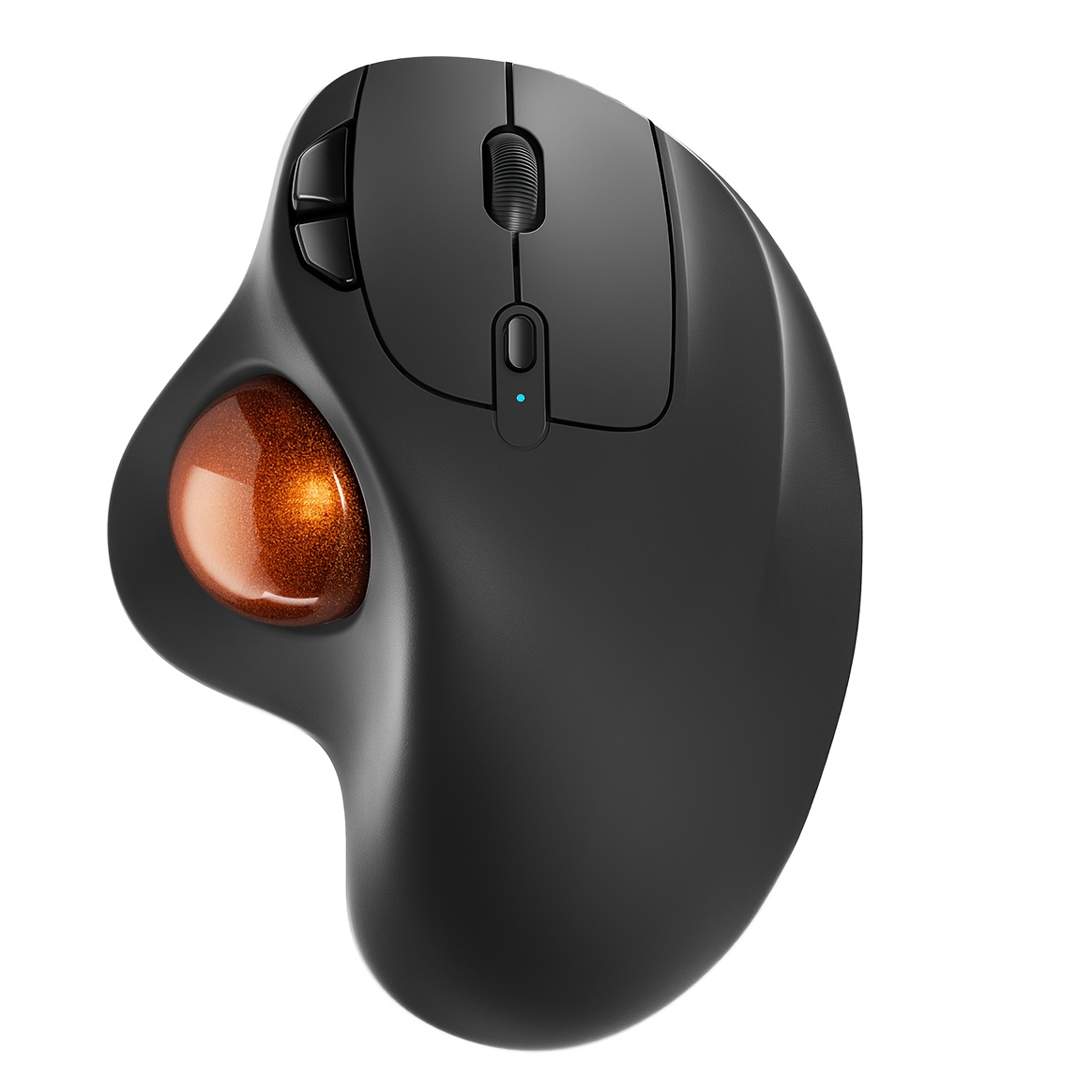
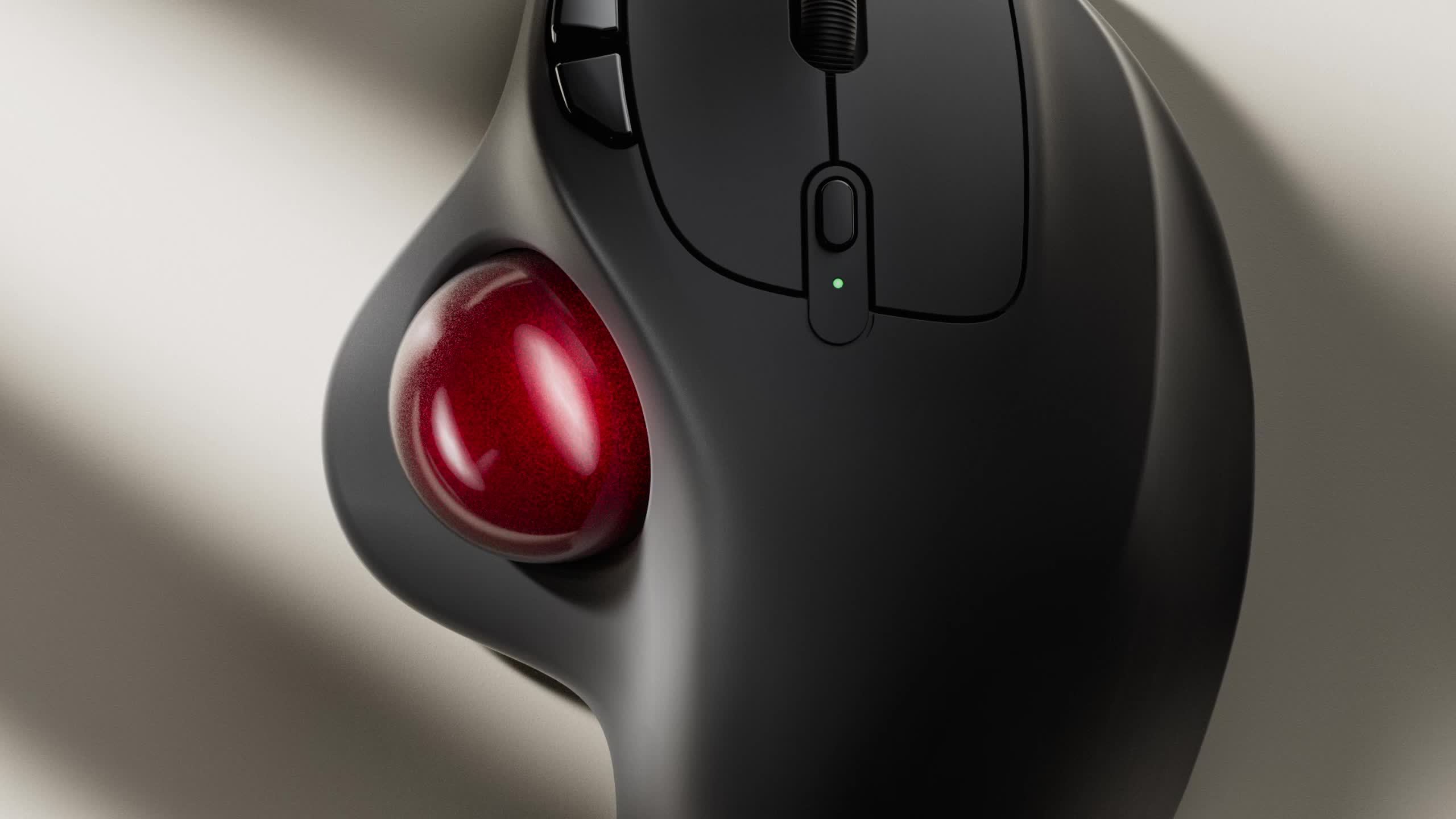
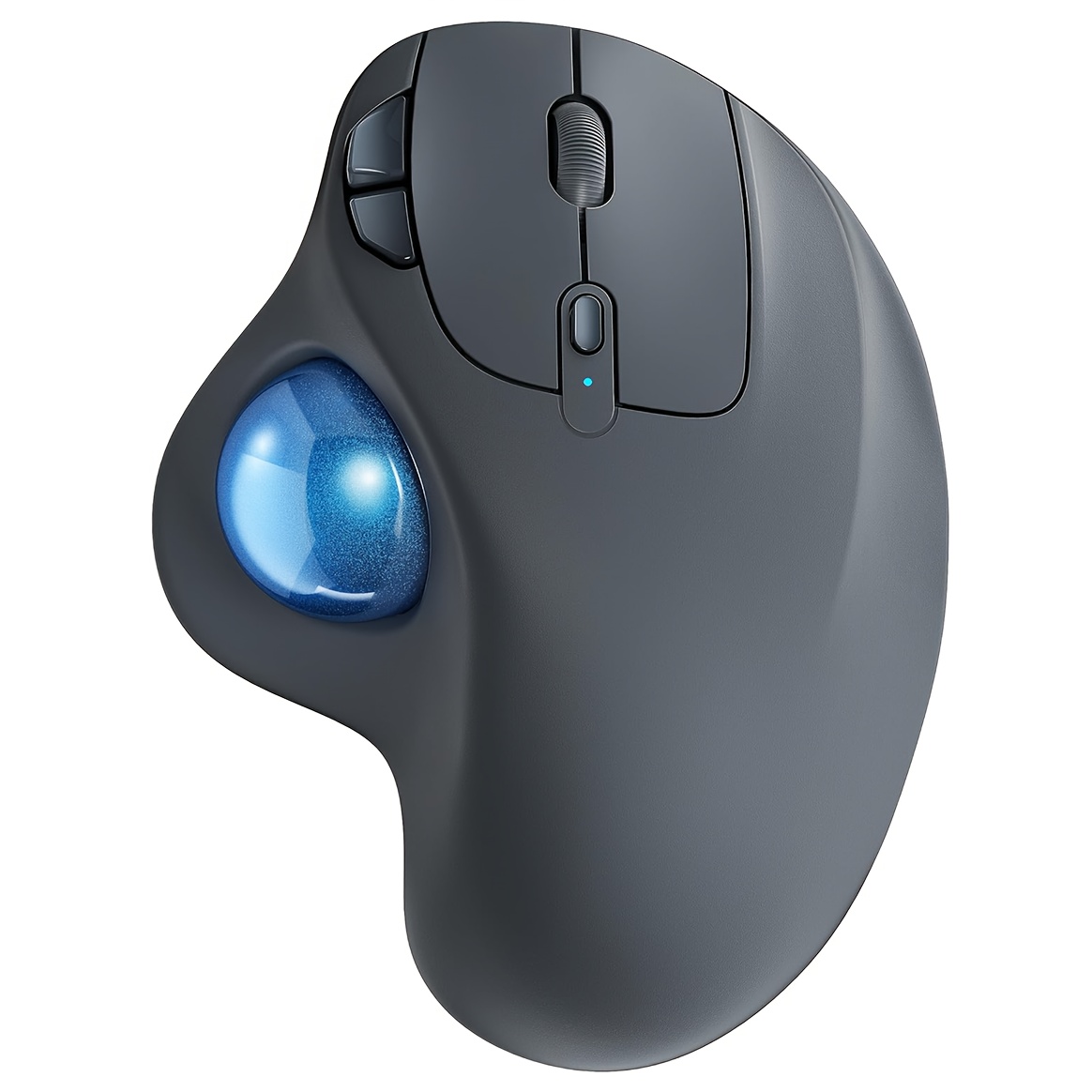


| Color | Black, Green, Navy Blue, Orange, SILVERY, Blue, Golden color, Pink |
|---|---|
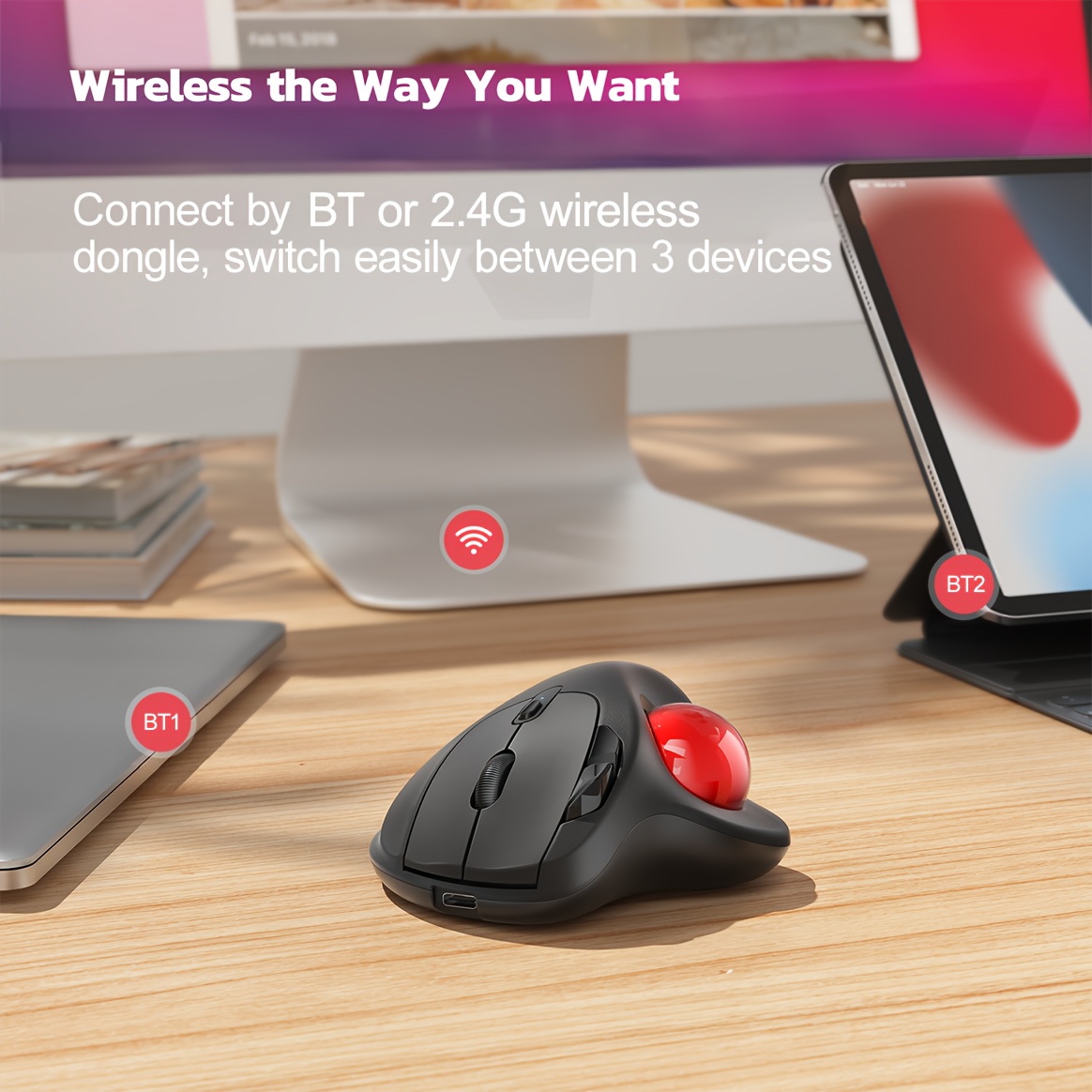
| Connectivity Technology | Wireless |
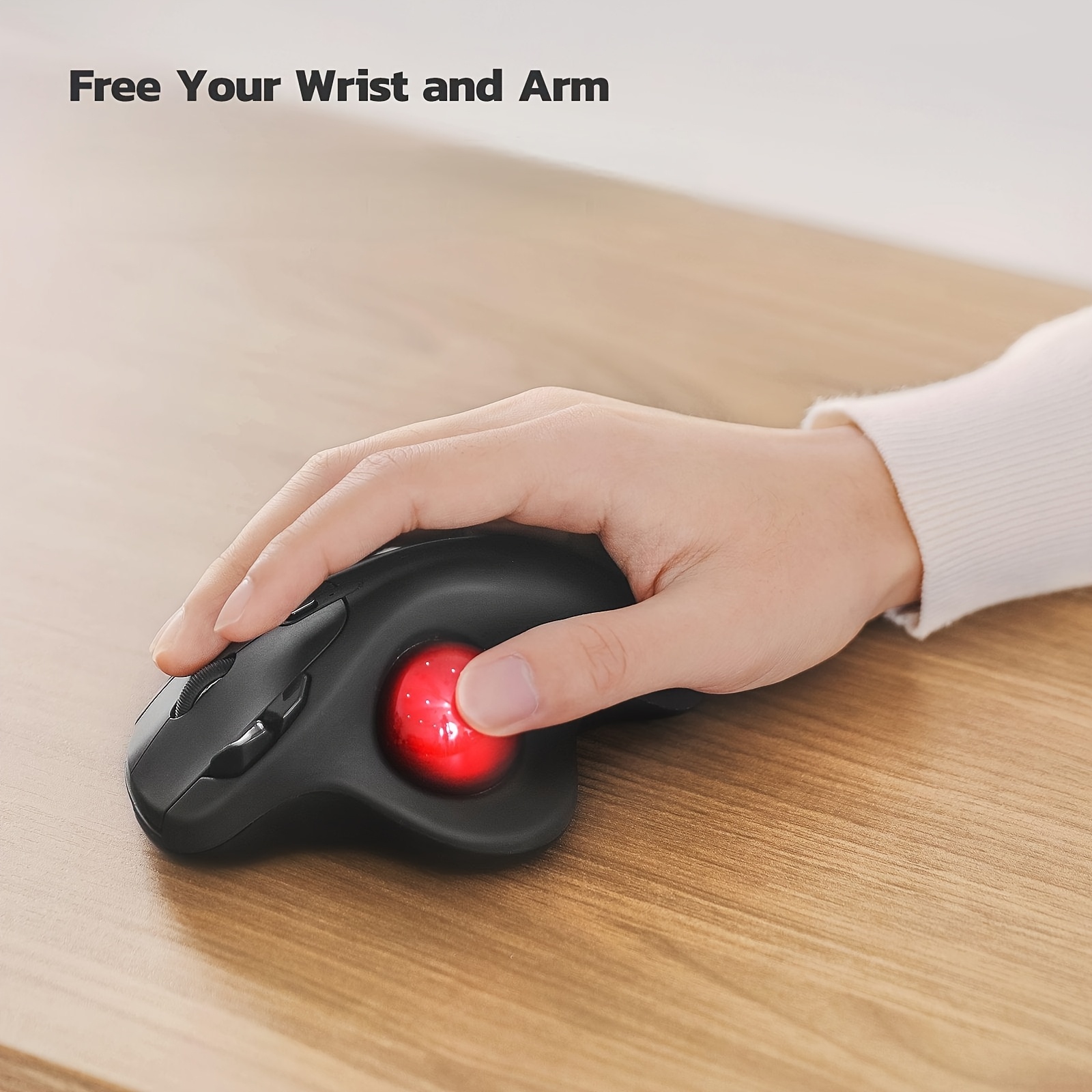
| Hand Orientation | Right |
| Power Source | Battery Powered |
| Material | Plastic |
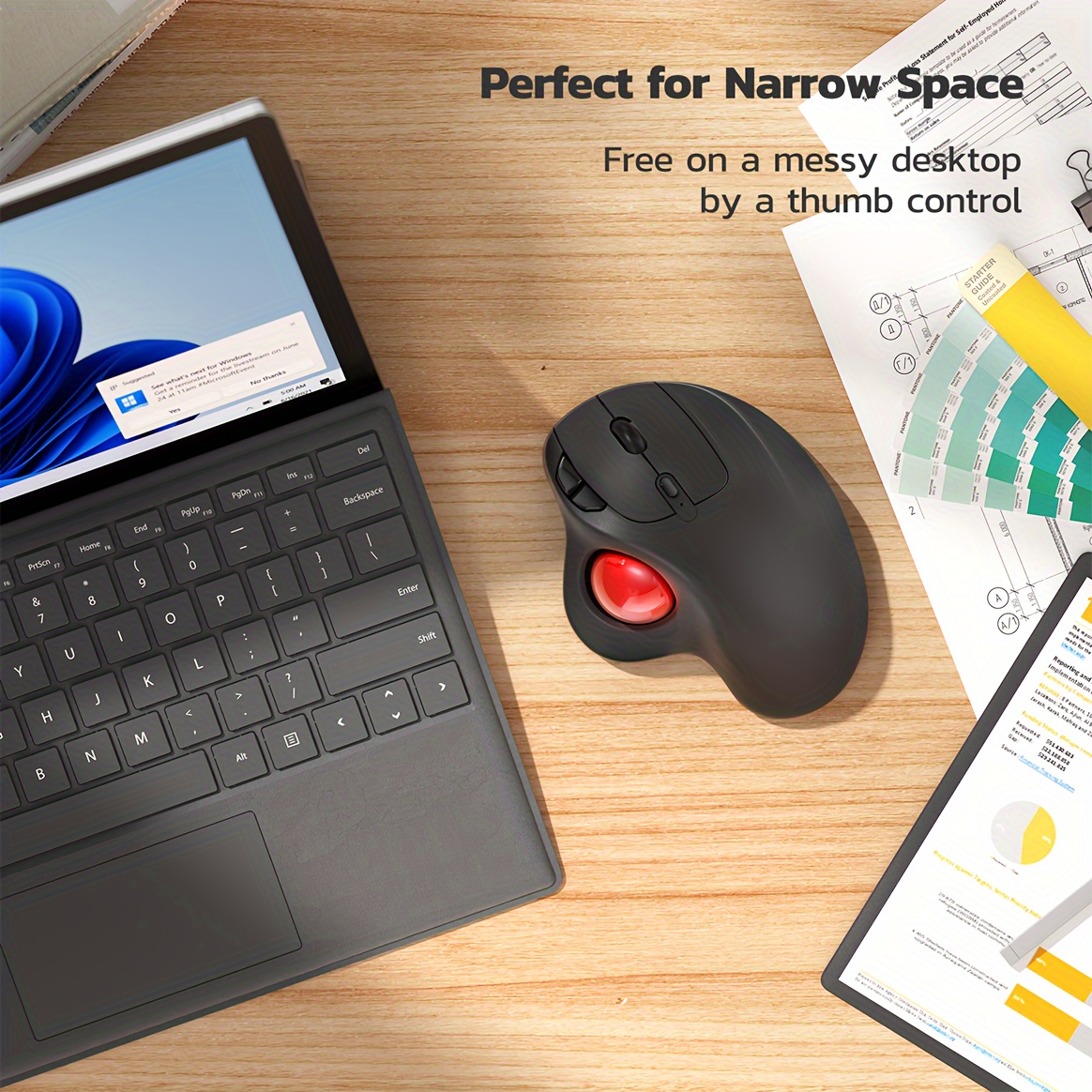
| Recommended Uses | Office |
| Operating System | Windows10 |
| Brand | NULEA |
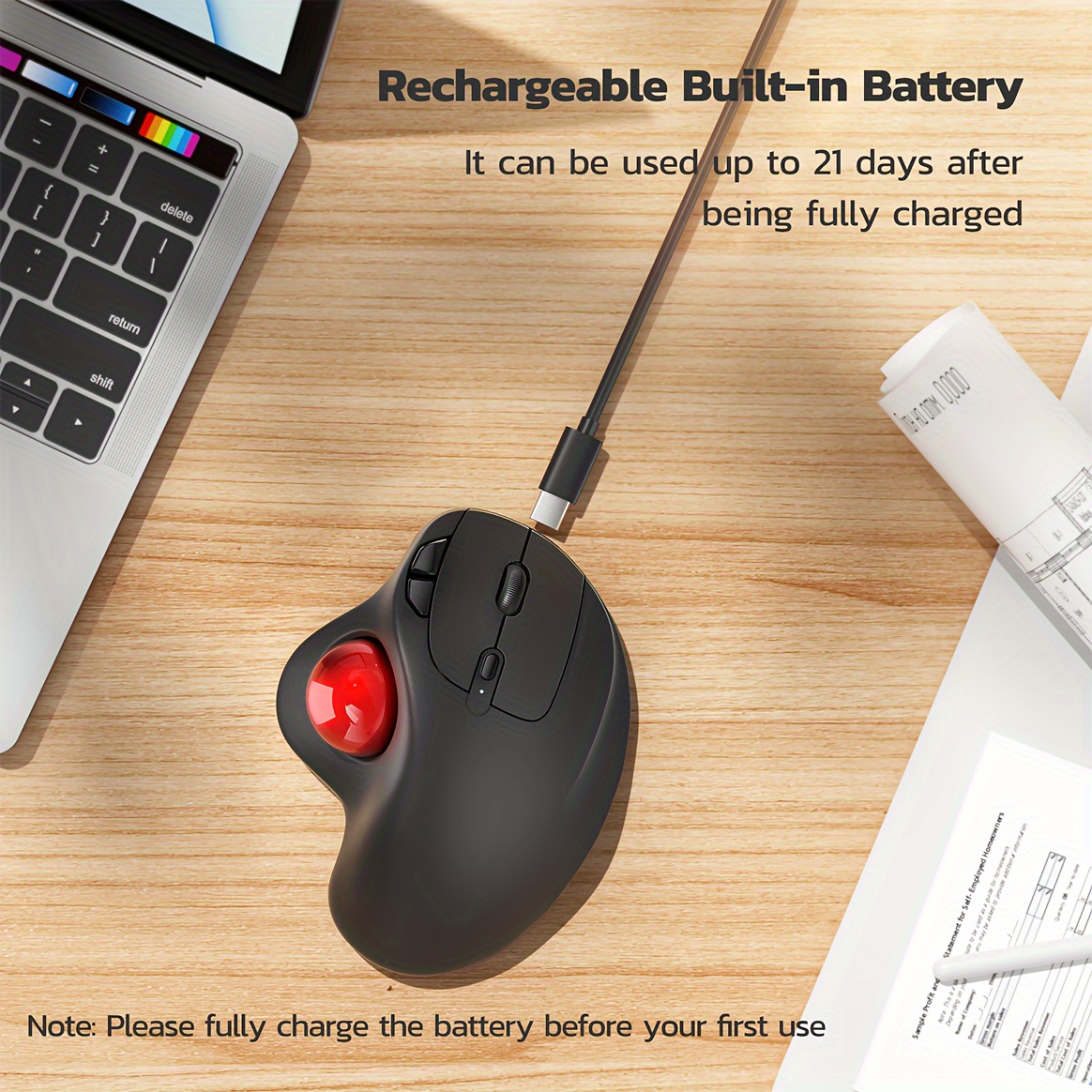
| Battery Properties | Rechargeable Battery |
| Rechargeable Battery | Lithium Battery-Polymer |
| Item ID | UT482722 |
| Origin | Guangdong,China |
Connectivity Technology: Wireless
Hand Orientation: Right
Power Source: Battery Powered
Material: Plastic
Recommended Uses: Office
Operating System: Windows10
Brand: NULEA
Battery Properties: Rechargeable Battery
Rechargeable Battery: Lithium Battery-Polymer
Item ID: UT482722
Origin: Guangdong,China
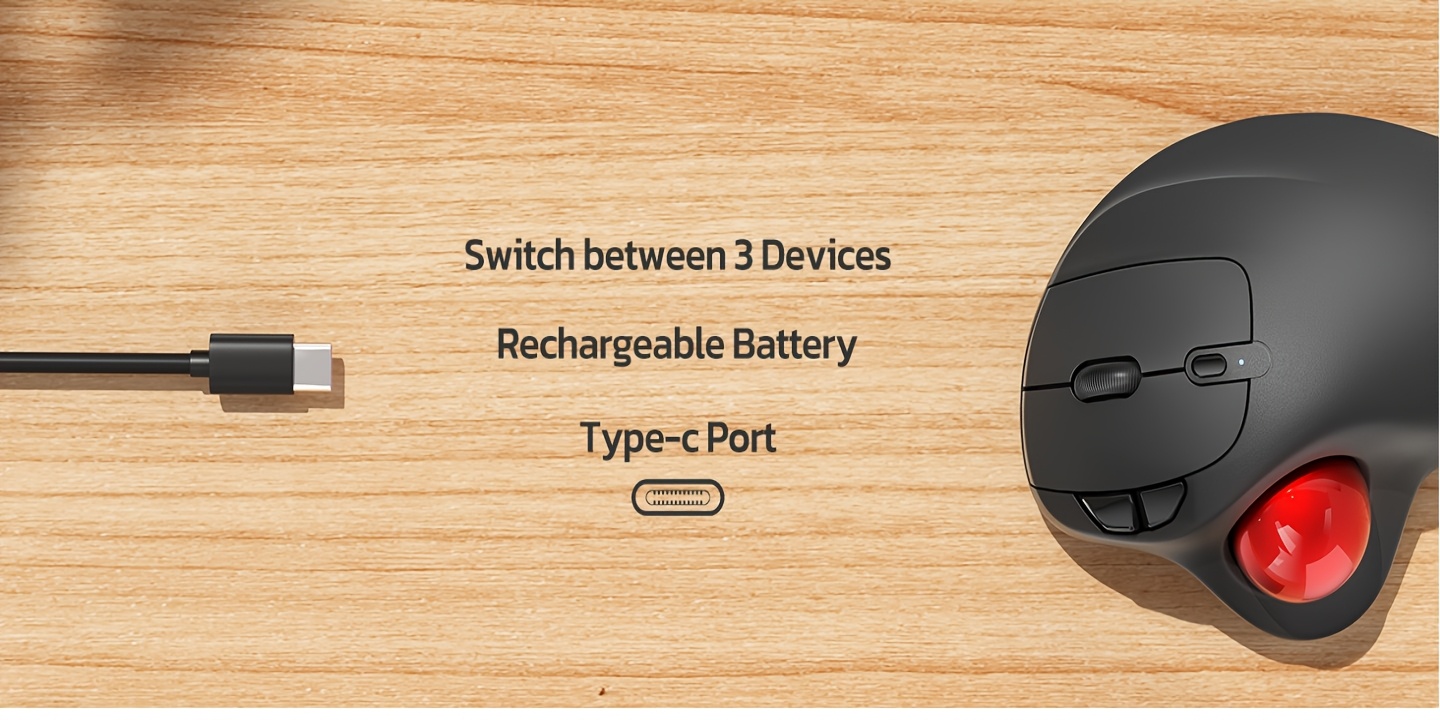
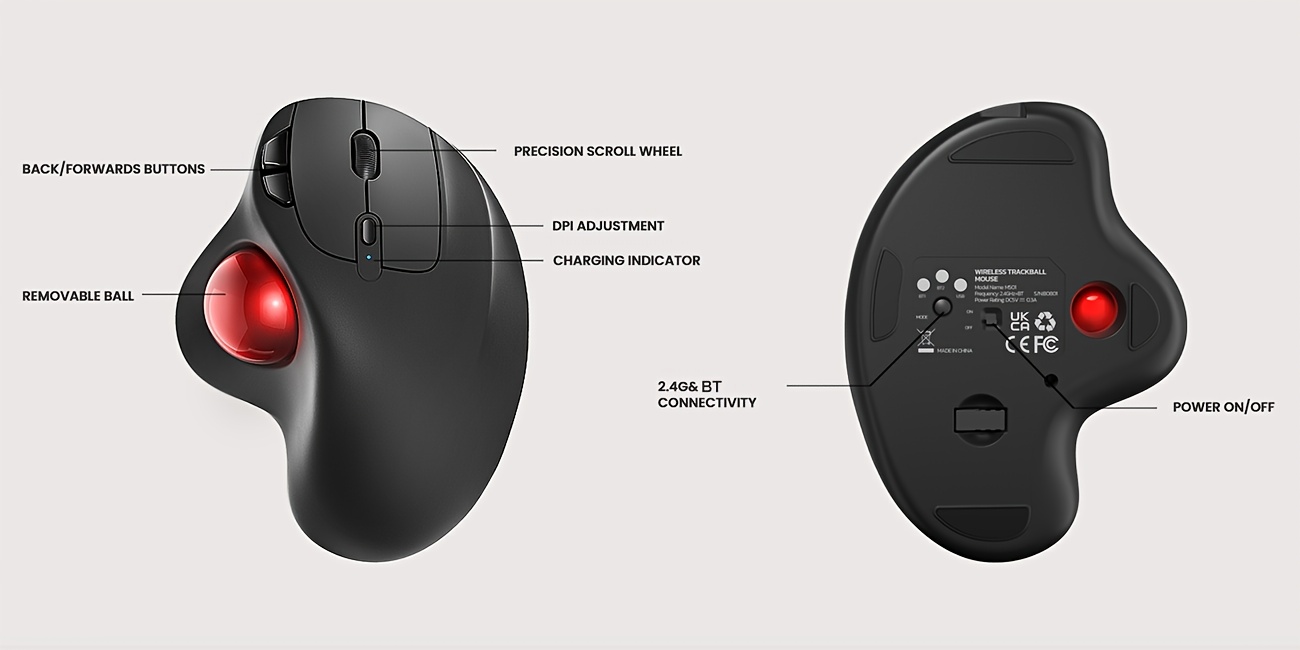
How to charge the thumb mouse and know its charging state? 1. Use the included charging cable, a charger that outputs 5V or a computer’s USB port to charge. (Do not charge with a fast charger) 2. The charging indicator light under the DPI button turns blue when charging, and turns off when fully charged.
How to wake up the trackball mouse? 1.In wireless connection mode, the M501 mouse enters sleep mode 30 minutes after you last used the mouse. 2.If you need to use the mouse, you can wake it up by clicking the key.(scrolling the trackball or moving the mouse will not wake up the mouse)
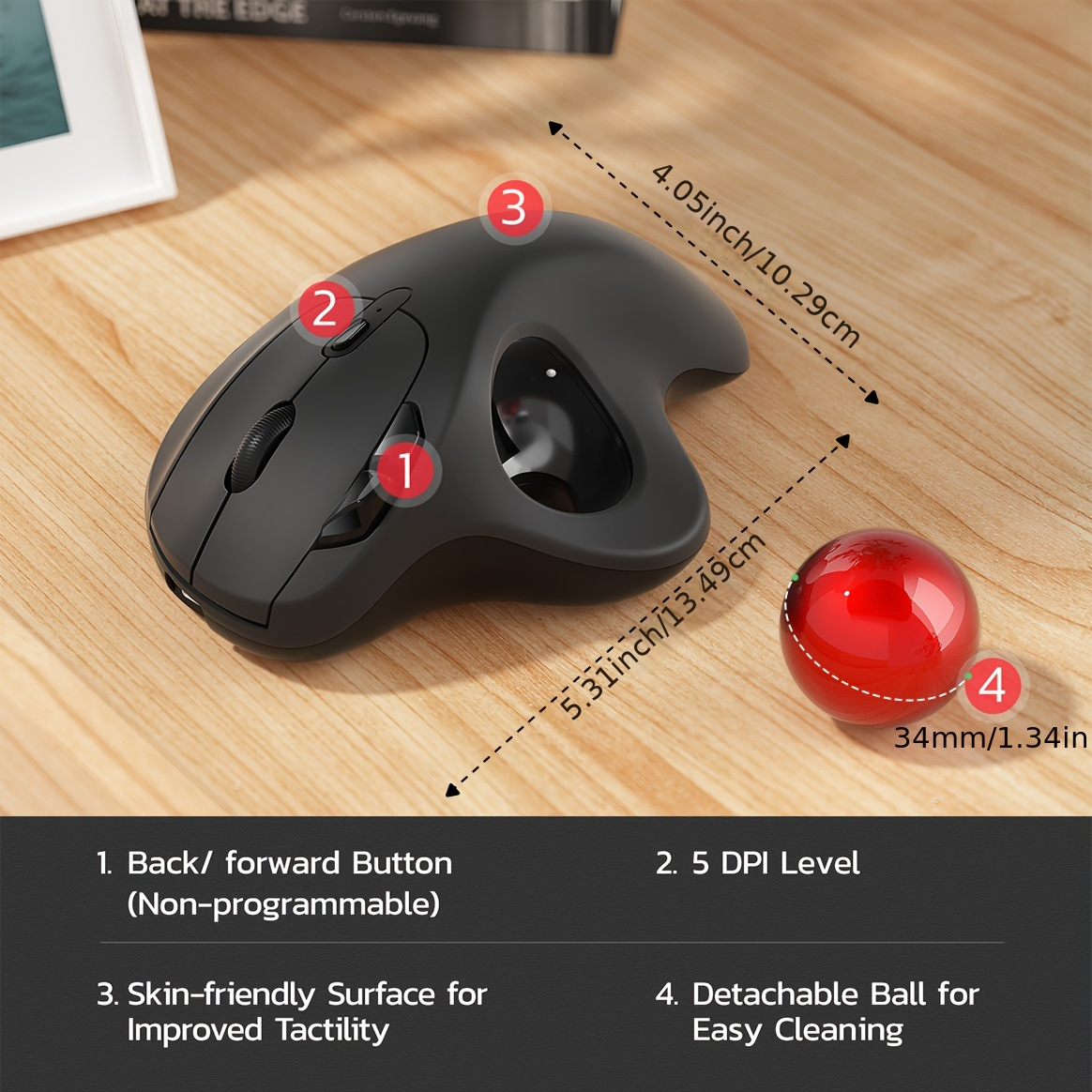
How to reprogram mouse buttons? 1. All buttons on this wireless trackball mouse are not programmable! 2. Forward and Backward buttons are not compatible with MAC OS.
How to adjust the DPI of this trackball mouse wireless? The track ball mouse has 4 DPI settings, 400 (Default)-800-1200-1600, which can be easily switched by clicking the DPI button below the scroll wheel.
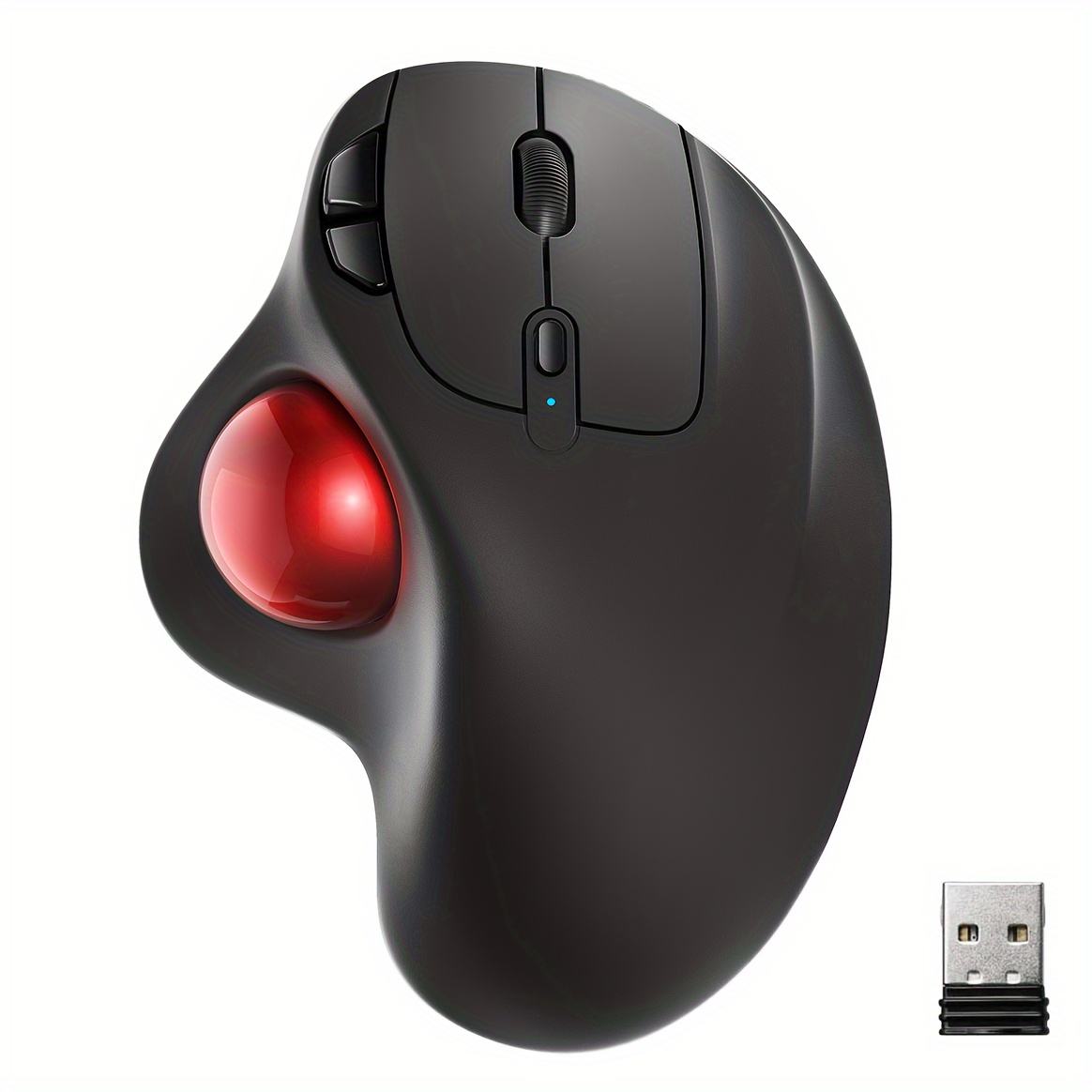
Where is the 2.4G USB Receiver for wireless connection? The 2.4G USB Receiver is stored at the bottom of the wireless trackball mouse.


Special Olympics is a global sports movement that unleashes the human spirit every day around the world through the transformative power and joy of sport. Through programming in sports, health, education and community building, Special Olympics is tackling the inactivity, stigma, isolation, and injustice that people with intellectual disabilities (ID) face.

StellaNova Foundation is a Houston-based 501(c)3 organization whose mission is to provide funding for local organizations which support responsible mental health care to those in need. Such groups provide services to Houstonians who may not have access to, or resources for, care and treatment.
The Foundation and its mission are funded by donations from the public and private sector, as well as the proceeds of special events staged for that purpose.

Since the American Heart Association’s founding in 1924, deaths from cardiovascular diseases have been cut in half. And yet, there are still so many lives to be saved. By driving breakthroughs in science, policy and care, together we can continue to advance health and transform lives every day.
Register today with ProfitSHARE.com and with every purchase your helping save a life.

Shop at 250+ stores. Donations with every purchase.
By joining, you agree to our Terms of Service.
Continue as Guest →